

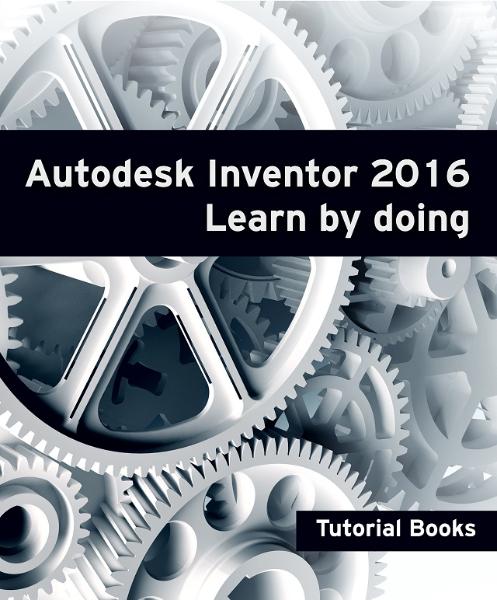
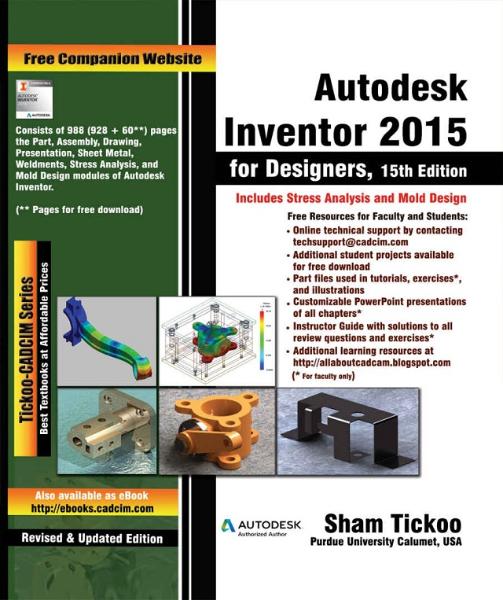
کتاب آموزش جامع (مدلسازی، مونتاژ، ورقکاری، نقشه کشی، شبیه سازی) نرم افزار Autodesk Inventor، یک کتاب آموزشی جامع و کم نظیر از آموزش نرم افزار اینونتور می باشد. الگوی آموزشی این کتاب مبتنی بر آموزش با مثال می باشد. همانطور که در تصاویر زیر مشخص است، در این کتاب آموزشی، کاربر اینونتور با نحوه طراحی و مدلسازی، مونتاژ، ورقکاری، ایجاد نقشه اجرایی و شبیه سازی حرکت مطابق تصاویر زیر در محیط اینونتور Autodesk Inventor آشنا می شود.
آموزش کاربردی نرم افزار اتودسک اینونتور 2012
آموزش کاربردی نرم افزار اتودسک اینونتور 2013
آموزش کاربردی نرم افزار اتودسک اینونتور 2014
این کتاب مشتمل بر 165 صفحه، در 8 فصل، به زبان انگلیسی روان و به همراه تصاویر هر محیط و نوار ابزارها، به ترتیب زیر گردآوری شده است:
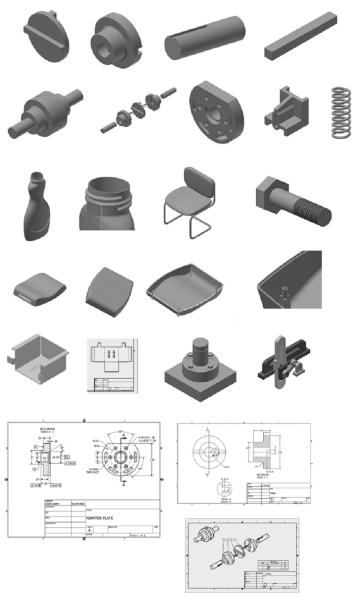
(تصویر بالا مجموعه تمریناتی است که به صورت گام به گام در این کتاب به کاربر در نرم افزار Autodesk Inventor آموزش داده می شود)
Autodesk Inventor 2016 Learn by doing
Table of Contents
Chapter 1: Getting Started with Inventor 2016
- Starting Autodesk Inventor
- User Interface
- Ribbon
- Application Menu
- Quick Access Toolbar
- Browser window
- Status bar
- Navigation Bar
- View Cube
- Shortcut Menus and Marking Menus
- Dialogs
- Customizing the Ribbon, Shortcut Keys, and Marking Menus
- Color Settings
Chapter 2: Part Modeling Basics
- TUTORIAL 1
- Creating a New Project
- Starting a New Part File
- Starting a Sketch
- Adding Dimensions
- Creating the Base Feature
- Adding an Extruded Feature
- Adding another Extruded Feature
- Saving the Part
- TUTORIAL 2
- Starting a New Part File
- Sketching a Revolve Profile
- Creating the Revolved Feature
- Creating the Cut feature
- Creating another Cut feature
- Adding a Fillet
- Saving the Part
- TUTORIAL 3
- Starting a New Part File
- Creating the Cylindrical Feature
- Creating Cut feature
- Saving the Part
- TUTORIAL 4
- Start Extruded feature
- Applying Draft
- Saving the Part
Chapter 3: Assembly Basics
- TUTORIAL 1
- Top-Down Approach
- Bottom-Up Approach
- Starting a New Assembly File
- Inserting the Base Component
- Adding the second component
- Applying Constraints
- Adding the Third Component
- Checking the Interference
- Saving the Assembly
- Starting the Main assembly
- Adding Disc to the Assembly
- Placing the Sub-assembly
- Adding Constraints
- Placing the second instance of the Sub-assembly
- Saving the Assembly
- TUTORIAL 2
- Starting a New Presentation File
- Creating the Exploded View
- Animating the Explosion
Chapter 4: Creating Drawings
- TUTORIAL 1
- Starting a New Drawing File
- Editing the Drawing Sheet
- Generating the Base View
- Generating the Section View
- Creating the Detailed View
- Creating Centermarks and Centerlines
- Retrieving Dimensions
- Adding additional dimensions
- Populating the Title Block
- Saving the Drawing
- TUTORIAL 2
- Creating New Sheet Format
- Creating a Custom Template
- Starting a Drawing using the Custom template
- Adding Dimensions
- TUTORIAL 3
- Creating a New Drawing File
- Generating Base View
- Generating the Exploded View
- Configuring the Parts list settings
- Creating the Parts list
- Creating Balloons
- Saving the Drawing
Chapter 5: Additional Modeling Tools
- TUTORIAL 1
- Creating the First Feature
- Adding the Second feature
- Creating a Counterbore Hole
- Creating a Threaded hole
- Creating a Circular Pattern
- Creating Chamfers
- TUTORIAL 2
- Creating the first feature
- Creating the Shell feature
- Creating the Third feature
- Creating a Cut Feature
- Creating the Rib Feature
- TUTORIAL 3
- Creating the Coil
- TUTORIAL 4
- Creating First Section and Rails
- Creating the second section
- Creating the Loft feature
- Creating the Extruded feature
- Creating the Emboss feature
- Mirroring the Emboss feature
- Creating Fillets
- Shelling the Model
- Adding Threads
- TUTORIAL 5
- Creating a 3D Sketch
- Creating the Sweep feature
- Creating the Along Curve pattern
- Editing the Freeform Shape
- Create another Freeform box
- TUTORIAL 6
- Start a new part file
- Creating the second feature
- Adding Threads
- Creating iParts
- TUTORIAL 7
- Creating the First Feature
- Creating the Extruded surface
- Replacing the top face of the model with the surface
- Creating a Face fillet
- Creating a Variable Radius fillet
- Shelling the Model
- Creating the Boss Features
- Creating the Lip feature
- Creating the Grill Feature
Chapter 6: Sheet Metal Modeling
- TUTORIAL 1
- Starting a New Sheet metal File
- Setting the Parameters of the Sheet Metal part
- Creating the Base Feature
- Creating the flange
- Creating the Contour Flange
- Creating the Corner Seam
- Creating a Sheet Metal Punch iFeature
- Creating a Punched feature
- Creating the Rectangular Pattern
- Creating the Bend Feature
- Applying a corner round
- Creating Countersink holes
- Creating Hem features
- Mirroring the Features
- Creating the Flat Pattern
- Creating 2D Drawing of the sheet metal part
Chapter 7: Top-Down Assembly and Motion Simulation
- TUTORIAL 1
- Creating a New Assembly File
- Creating a component in the Assembly
- Creating the Second Component of the Assembly
- Creating the third Component of the Assembly
- Adding Bolt Connections to the assembly
- Applying the constraint to the components
- TUTORIAL 2
- Creating the Slider Joint
- Creating the Rotational Joint
- Creating the Rigid Joint
- Driving the joints
Chapter 8: Dimensions and Annotations
- TUTORIAL 1
- Creating Centerlines and Centered Patterns
- Editing the Hatch Pattern
- Applying Dimensions
- Placing the Datum Feature
- Placing the Feature Control Frame
- Placing the Surface Texture Symbols
- Modifying the Title Block Information
- Additional Exercises
- Exercise 1
- Exercise 2
- Exercise 3
- Exercise 4
- Exercise 5
- Exercise 6
آموزش کاربردی نرم افزار اتودسک اینونتور 2015
آموزش کاربردی نرم افزار مکانیکال دسکتاپ - جلد اول
آموزش کاربردی نرم افزار مکانیکال دسکتاپ - جلد دوم
جهت دانلود کتاب آموزش جامع (مدلسازی، مونتاژ، ورقکاری، نقشه کشی، شبیه سازی) نرم افزار Autodesk Inventor، بر لینک زیر کلیک نمایید.
آموزش مدلسازی، مونتاژ، ورقکاری، نقشه کشی، شبیه سازی نرم افزار اتودسک اینونتور
اگر به فراگیری مباحث مشابه مطلب بالا علاقهمند هستید، آموزشهایی که در ادامه آمدهاند نیز به شما پیشنهاد میشوند:
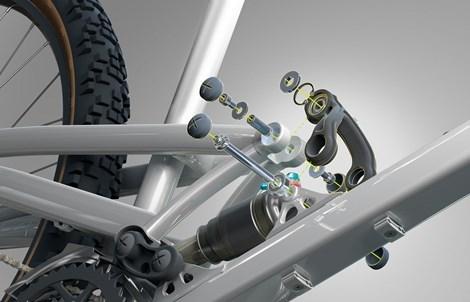

 آموزش کتیا، طراحی و مدلسازی رینگ چرخ خودرو (Wheel Rims) در نرم افزار CATIA
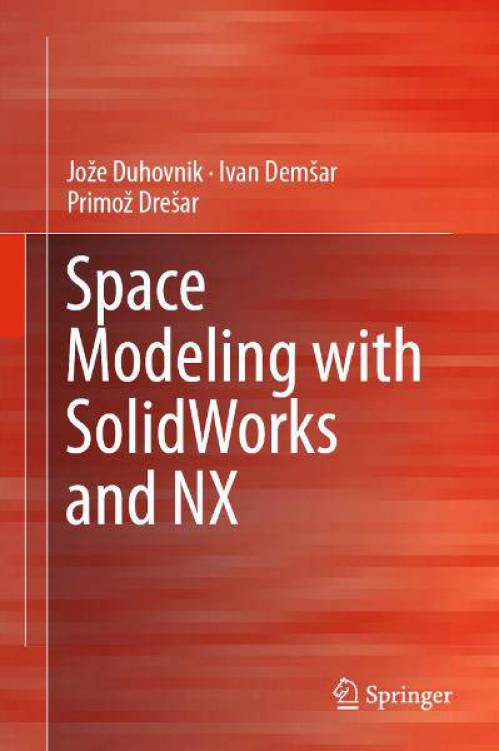 کتاب مدلسازی فضایی با نرم افزار سالیدورکس و ان ایکس
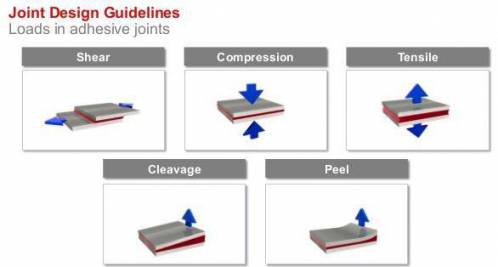 دانلود پروژه بهینه سازی اتصالات چسبی در کامپوزیت ها
 کامپوزیت هاي زمینه پلیمري
 بررسی سرامیک ها و اهمیت اتصال در آنها
 تحلیل اتصالات چسبی فلز به کامپوزیت در کاربردهای فضایی
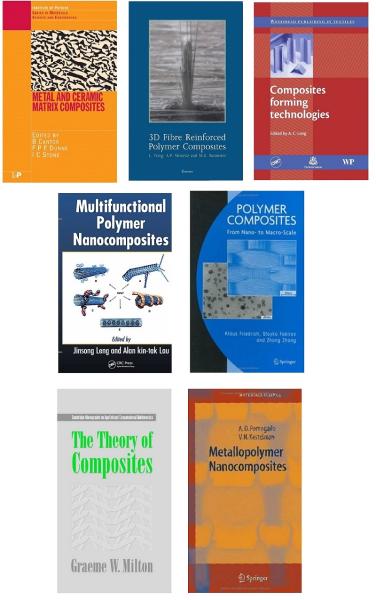 دانلود 7 کتاب مرجع آموزش کامپوزیت ها
 سیستم های کنترل خطی و کنترل مدرن به همراه حل تمرین
 دانلود نمونه سوالات امتحانی و تمرینات حل شده درس مکانیک محیط های پیوسته
 جزوه آموزش جامع آنالیز مودال پروفسور سعید ضیائی راد
 جزوه مبانی سیستم انتقال قدرت در خودروهای سواری
 کتاب آموزش مقدماتی تا پیشرفته نرم افزار ان ایکس
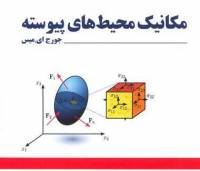 مکانیک محیط های پیوسته برای مهندسین به همراه تشریح کامل مسائل
 دانلود کتاب آموزشی و مجموعه کدهای تخمین حالت و پارامتر با فیلتر کالمن
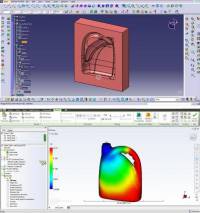 طراحی قالب بادی بطری روغن موتور با CATIA و تحلیل آن با نرم افزار MoldFlow
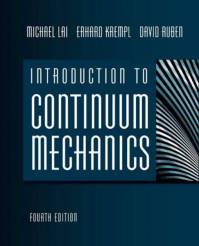 مقدمه ای بر مکانیک محیط های پیوسته به همراه تشریح کامل مسائل
 مجموعه آموزش جامع (جوش، بازرسی، عیوب، دستورالعمل) لوله های انتقال نفت و گاز
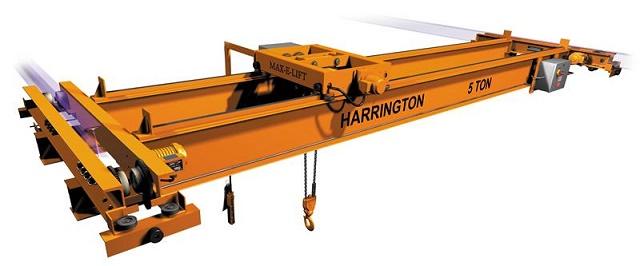 طراحی و محاسبات جرثقیل سقفی با ظرفیت 5 تن
 طراحی و مدلسازی تایر تراکتور در نرم افزار سالیدورکس
 اثر هیدروژن و تردی تمپر بر خواص مکانیکی راکتورهای آیزوماکس پالایشگاه ها
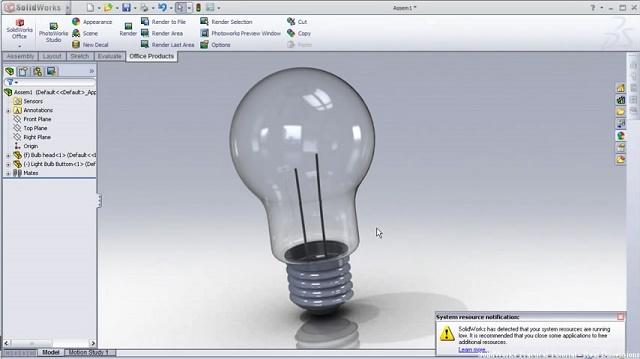 طراحی و مدلسازی لامپ رشته ای در نرم افزار سالیدورکس
 رازهایی که هر کاربر بایستی درباره نرم افزار اتوکد بداند
 محاسبات اجزاء گیربکس ساده
 تست های غیر مخرب جوش
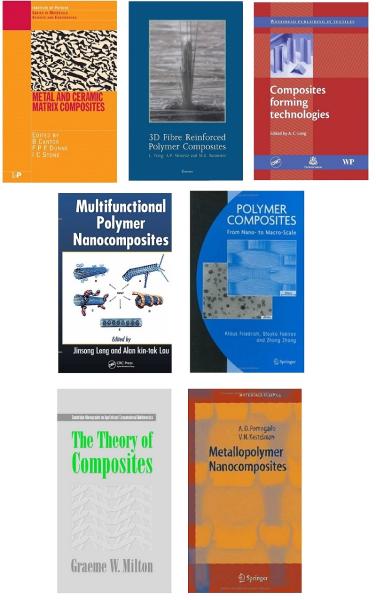 دانلود 7 کتاب مرجع آموزش کامپوزیت ها
 تحلیل و بررسی جامع نیروگاه گازی و توربین گاز
 کتاب طراحی شبکه های عصبی مصنوعی